Monster Maker Guides
From first join to polished creatures—workshop, controls, modes, and recreation tutorials.
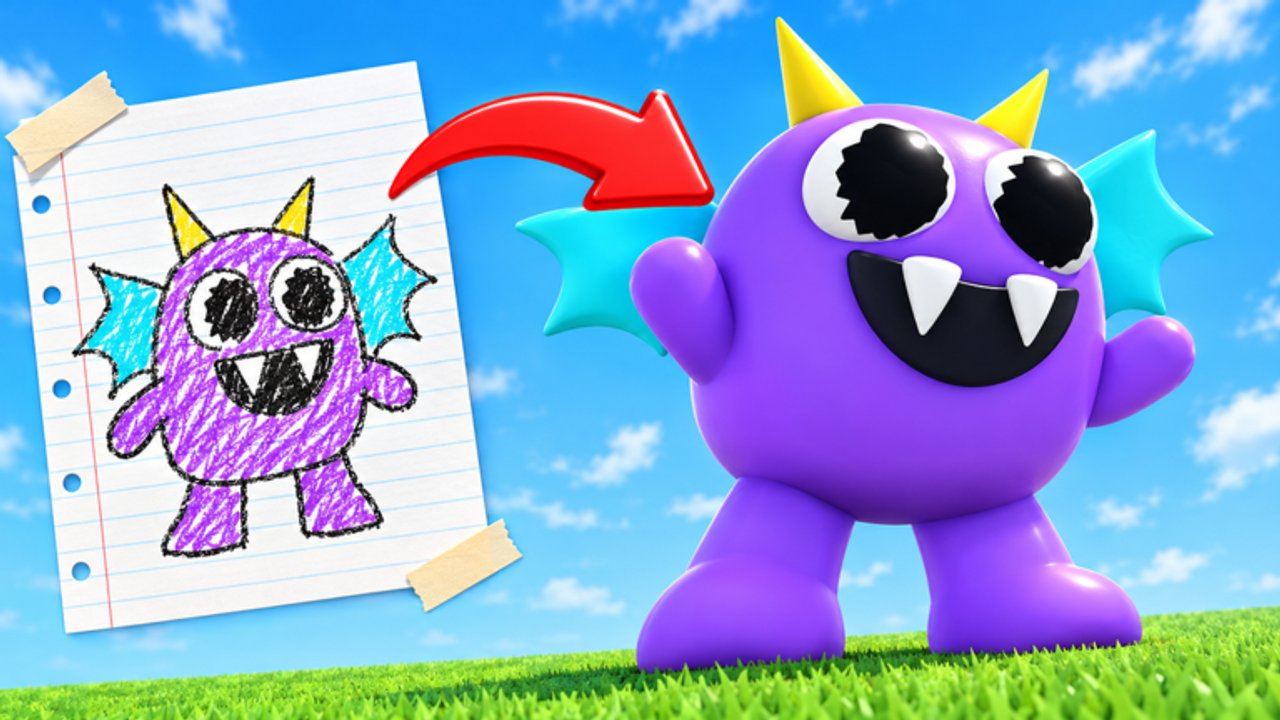
This Guides Hub is the map for learning Monster Maker on Roblox without drowning in trial and error. The game asks you to invent creatures from modular parts, assign arm/leg/tail roles, decorate with stickers and colors, buy shop upgrades, test animations, save, then take builds into play modes and community browsing. Each guide below targets a real pain point players search for after the 22 October 2026 launch.
Start here if you just installed the experience, keep returning when a new mode drops, and cross-link into tier lists when you are ready to spend currency with intent.
Recommended learning path
- Getting Started — first session checklist, shop vocabulary, and save habits (includes a full-guide video).
- Controls — camera, part selection, mirroring, and animation preview inputs.
- How to Make Monsters — deep workshop craft for cleaner silhouettes and motion.
- Game Modes — what to do after you leave the editor.
- Famous Monsters — recreate recognizable designs without breaking part types.
What these guides solve
Confusing part types — Arms that should punch get typed as tails and whip instead. Guides call out when to reassign roles before you chase cosmetics.
Mirroring mistakes — One side looks heroic, the flipped side clips or floats. Controls and how-to pages show a safe mirror workflow.
Shop economy anxiety — Coins and gems feel scarce until you know which kits are reusable. Pair guides with Best Parts and Codes.
Scare and fame goals — Players want horror energy or viral lookalikes. Use Scary Designs plus Famous Monsters instead of random spike spam.
Update whiplash — Early November 2026 brought frequent patches and newer modes. Keep Updates open beside these tutorials.
How to read a Monster Maker guide
Each article aims for practical depth: prerequisites, ordered steps, failure modes, and FAQs. Internal links use clear anchor text so you can jump without breaking locale routing. When a page includes a YouTube embed, it is a real video placed mid-article—never a wall of stacked clips.
If you only have fifteen minutes, skim Getting Started, redeem any live codes, and run one full animation battery (stand → walk → hit → slam → stomp → tail whip) on a simple biped. That single loop teaches more than another hour of shopping.
Creator and community context
Monster Maker is published by the Monster Maker Community Roblox group. Servers hold up to 24 players, the experience is free, and the fantasy line is simple: create any creature you can imagine and watch it come to life. For showcase etiquette and browsing tips, visit the Players Hub. For what this fan wiki covers, see Wiki.
Related hubs
- Tier List Hub — spend order and design rankings
- Codes Hub — community-reported rewards
- Scripts Hub — why we refuse unverified cheats
- Updates Hub — patch timeline
Suggest new guide topics when a mechanic confuses multiple friends—shared pain usually means a page should exist.
Frequently Asked Questions
Quick answers for builders, codes, and game modes.
Which Monster Maker guide should I read first?
Start with Getting Started, then Controls, then How to Make Monsters. Add Game Modes once you can save a walking biped.
Do guides include YouTube videos?
Some pages embed one real video mid-article. This hub uses a full-guide overview; leaf pages may use a different clip or none.
Where do I learn part types and mirroring?
How to Make Monsters and Controls cover typing arms, legs, and tails plus a safer mirror workflow.
Are these official developer docs?
No. This is a fan wiki. Confirm breaking changes on the Roblox game page and our Updates Hub.
How do guides relate to tier lists?
Guides teach process; tier lists rank parts and scary patterns. Use both before spending gems.