Monster Maker Creators & Showcases
Study community monsters, credit inspiration, and turn browsing into better workshop habits.
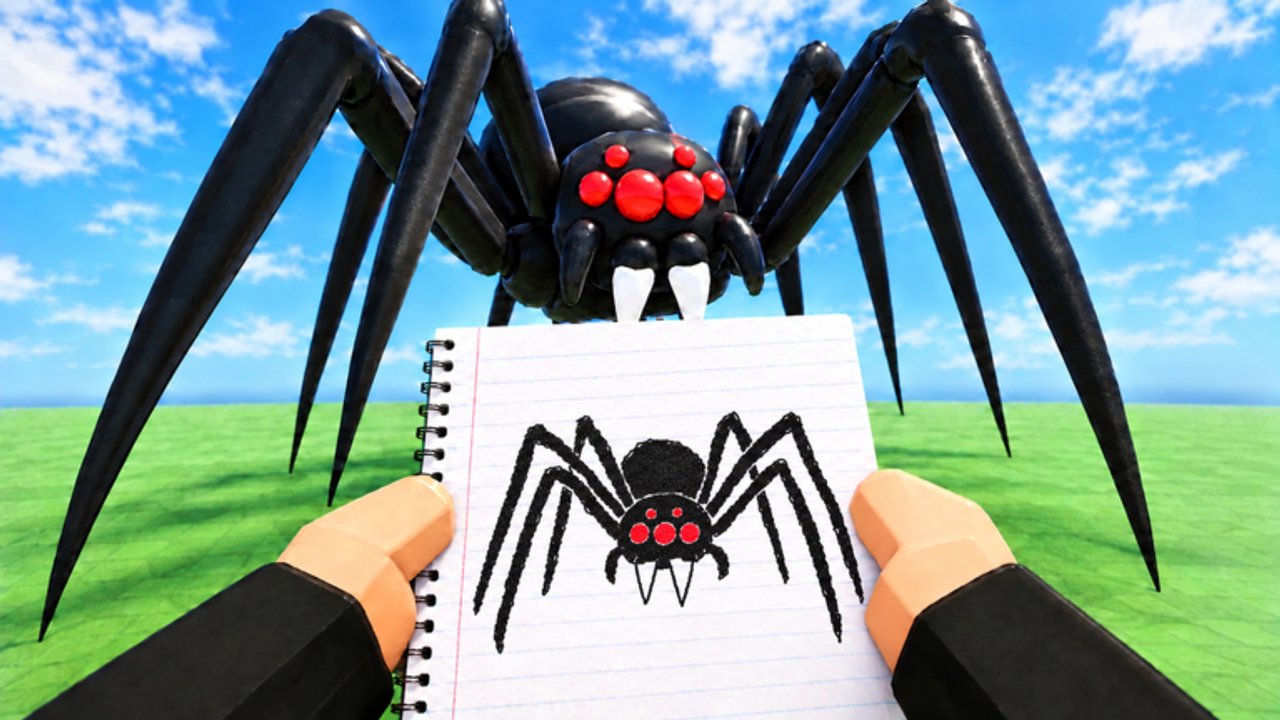
The Players Hub covers Monster Maker’s social half: browsing community creations, learning from confident designers, and sharing your own beasts without drama. The workshop is personal, but servers hold up to 24 players and newer modes lean on discovery—so presentation matters as much as polygon counts.
Monster Maker’s promise—“Create any creature you can imagine and watch it come to life!”—only lands when other people can read your silhouette in a crowded gallery. This page helps you study strong work, avoid toxic copy behavior, and build a portfolio loop that improves every session.
What to look for in community showcases
When you open community browsing in-game, slow down. Ask:
- Silhouette first — Can you outline the monster with your finger? Clear head/body/limb hierarchy usually beats ornate mess.
- Part-type honesty — Watch walk and slam cycles. If a “tail” stomps like a leg, the builder typed parts carefully—or got lucky. Learn which.
- Color discipline — Great creators limit palettes so eyes and mouths pop. Rainbow spam hides anatomy.
- Negative space — Horror and mascot designs both use empty gaps. Compare notes with Scary Designs.
- Animation intent — A dance-friendly biped and a heavy slam bruiser should not share identical proportions.
Screenshot locally (Roblox capture is fine) and rebuild from memory later. Tracing proportions teaches more than duplicating every sticker.
Creator habits worth copying
Strong Monster Maker players tend to:
- Save incremental versions before risky mirror flips.
- Test the full animation battery before publishing.
- Name files with purpose (
stalker_v3,mascot_clean) instead ofmonster21. - Spend coins on reusable kits ranked in Best Parts.
- Study famous recreations for structure, then invent a twist—new horns, different gait, alternate color story.
Creator-tip videos (including the embed on this page) are best used as checklists, not as permission to paste someone else’s entire mesh idea without credit in social posts.
Showcase etiquette
- Credit inspiration when you post outside Roblox—name the style or creator that sparked your attempt.
- Do not harass builders who refuse to share “secret” sticker stacks. Experimentation is the point.
- Avoid script “copy tools.” Read the Scripts Hub—unverified helpers risk bans and teach nothing.
- Keep chat kind in 24-player servers. Feedback like “legs read short in walk cycle” helps; insults do not.
- Respect economy flex. Gems do not equal skill. A free-part monster with perfect typing outranks a gem-bloated spaghetti build.
Turning browsing into practice
Try a weekly loop:
- Browse five community favorites and note one strength each.
- Rebuild one strength on a fresh biped using How to Make Monsters.
- Run controls from the controls guide until camera and select feel boring.
- Drop into game modes and watch how lighting and distance change your read.
- Journal what failed—wrong part type, bad mirror, muddy colors—and fix that one issue next session.
Pair the loop with Getting Started if you are still unlocking UI literacy, and cash codes only when you know what kit you need next.
Finding people and updates
Follow the official Roblox experience page for Monster Maker (Universe ID 10772440379) and the Monster Maker Community group for announcements. Patch cadence was hot in early November 2026—see November 2026—so showcase metas can shift when new modes reward different motion styles.
This fan wiki’s Wiki page explains how to suggest creator spotlights. We prefer teaching patterns over celebrity worship: techniques travel; usernames change.
Related reading
- Tier List Hub — which parts support showcase-quality motion
- Guides Hub — skill path from blank save to polished publish
- Updates Hub — when browsing UI or modes change
- Codes Hub — currency for the next kit you actually need
Build in public, learn in public, and let every gallery lap make your next creature sharper.
Frequently Asked Questions
Quick answers for builders, codes, and game modes.
Can I copy another player’s monster exactly?
Studying proportions is fine; claiming their design as yours in posts is not. Rebuild with your own twist and credit inspiration when you share.
How do I get better by browsing community creations?
Note silhouette, part typing, palette, and animation intent, then rebuild one strength on a fresh save instead of duplicating every detail.
Do gem spenders always win showcases?
No. Clean part types and readable outlines beat expensive clutter. Rank kits with the Best Parts list before you spend.
Where should I watch creator tip videos?
Use the embed on this page and other single-video guides on the wiki. Prefer technique over “secret script” thumbnails.
How many players are on a Monster Maker server?
Server size is 24. Keep showcase chat constructive so everyone can browse and play comfortably.