Monster Maker Game Modes
Leave the editor with purpose—test motion, present designs, and adapt when new modes drop.
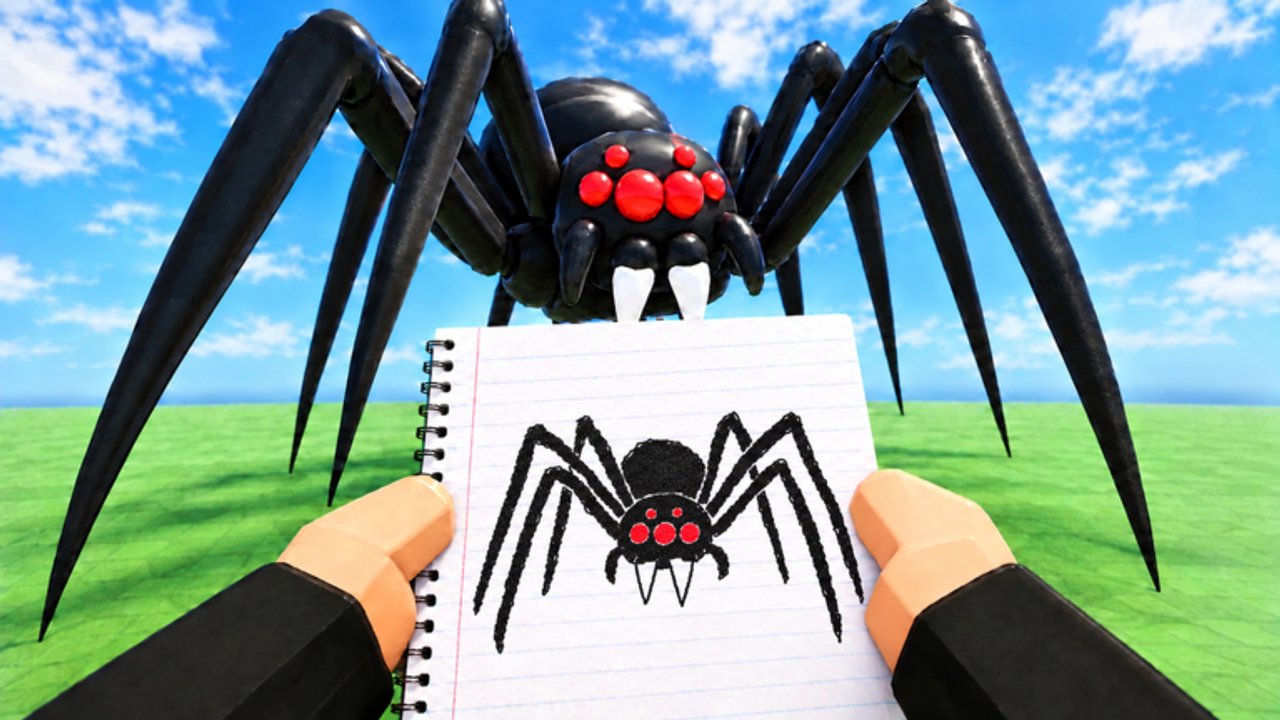
Monster Maker is not only a wardrobe. After you design a creature, game modes and play/test loops ask whether that creature still works under movement, cameras, and other players. This guide explains how to prepare for modes, what to observe while playing, and how newer modes from the November 2026 push change your checklist.
Exact mode names can rotate with patches. Focus on jobs modes ask your monster to do: present, locomote, interact, or compete for attention in browsing spaces.
Why modes matter to builders
Editor lighting is flattering. Modes introduce:
- Different camera distances
- Other players’ clutter (servers up to 24)
- Animation spam when everyone previews at once
- Objectives that punish clipped tails or unreadable silhouettes
A gem-heavy sculpture that never leaves the workshop is homework; a mode-ready monster is a finished assignment. Pair this page with How to Make Monsters and Controls.
Prep before you queue
- Save a clean version after the full animation battery (stand, walk, hit, slam, stomp, tail whip).
- Confirm part types—modes exaggerate wrong roles.
- Boost contrast on eyes/mouth so mid-distance cameras still read faces.
- Trim floor-dragging geometry that will clip during group movement.
- Note your intent (scare, cute, famous homage) so you can judge success honestly.
- Optionally redeem live codes beforehand if you still need a kit—do not AFK in menus mid-mode if timers matter.
Play / test loops inside the experience
Early Monster Maker sessions usually mix:
- Free create / workshop — Safe editing.
- Play/test arenas — Move your monster with animations under live conditions.
- Community creation browsing — Study and showcase (see Players).
- Newer structured modes — Post-launch additions that add rules or presentation twists.
When the client highlights a new gamemode, treat the first run as reconnaissance: what wins attention, what fails mechanically, what lighting does to dark scary designs.
Observation checklist during a mode
| Watch for | Good sign | Bad sign |
|---|---|---|
| Walk in crowds | Clear outline | Spikes melt into noise |
| Slam/stomp | Weight sells threat/fun | Floaty hops |
| Tail whip | Arc readable | Arms flail instead (wrong type) |
| Face | Eyes catch light | Mouth stickers vanish |
| Cameras | Still recognizable zoomed out | Needs extreme close-up to make sense |
Jot notes, exit, fix one issue, requeue. That loop beats rebuilding from scratch after every session.
Adapting builds per mode job
Presentation-heavy modes — Prioritize silhouette and face contrast; borrow discipline from Famous Monsters.
Motion-heavy modes — Prefer S-tier legs/arms from Best Parts; shorten vanity tails.
Horror vibe modes — One S-tier scare pattern beats sticker chaos.
Social browsing — Name clearly, avoid offensive spam, credit inspirations off-site.
New mode etiquette
- Do not block spawn with unfinished tests.
- Keep chat feedback specific (“walk cycle toes slide”) not insulting.
- Never push executors because a mode feels hard—Scripts explains the ban risk.
- If a mode is broken after a patch, document steps and wait; hotfixes were common in early November 2026.
Farming XP and currency during play
If a mode grants XP or coins, stack with temporary boosts like community LEVELUPFAST only while active—see redeem help. Still spend using tier guidance; mode rewards are not permission to impulse-buy C-tier novelty.
Blueprint unlocks from codes can be stress-tested in modes faster than in empty editors because failure is obvious when animations loop publicly.
Troubleshooting mode-only bugs
Looks fine in editor, broken in mode — Retest battery in editor with graphics up; then compare. Sometimes mode cameras use wider FOV.
Everyone’s monsters T-pose — Likely server hiccup; hop instances.
Your monster missing — Confirm save loaded; do not enter modes from a blank slot.
UI overlap — Fullscreen toggle / rejoin; check Updates for known UI moves.
Session plan
- 20 minutes edit using Getting Started standards.
- 10 minutes mode reconnaissance.
- 15 minutes targeted fixes.
- 10 minutes community browse for one inspiration.
- Save
mode_ready_v2.
Repeat when Updates Hub announces another mode tweak.
Game modes are the truth serum for Monster Maker. Let them embarrass weak typing early, and your creatures will earn attention for craft—not for surviving only in flattering workshop light.
Frequently Asked Questions
Quick answers for builders, codes, and game modes.
Does Monster Maker have more than one game mode?
Yes. Beyond the workshop, you can play/test creations and browse community work, with newer modes emphasized in November 2026 updates. Check the live client for current names.
Should I enter modes before my monster can walk?
You can, but you will learn less. Pass a basic walk/slam battery first so feedback is about polish, not broken types.
Why does my scary build look weak in modes?
Mode lighting and distance punish low contrast and spike clutter. Boost eyes/mouth and simplify the outline.
Can scripts help me win modes?
Unverified scripts risk bans and teach nothing. Improve parts, typing, and animation instead—see the Scripts Hub.
How often do modes change?
Post-launch patches can be frequent. Revisit this guide and the Updates Hub after major deploys.