Monster Maker Parts & Design Tiers
Rankings for workshop parts, horror-ready shapes, and what to unlock before fashion cosmetics.
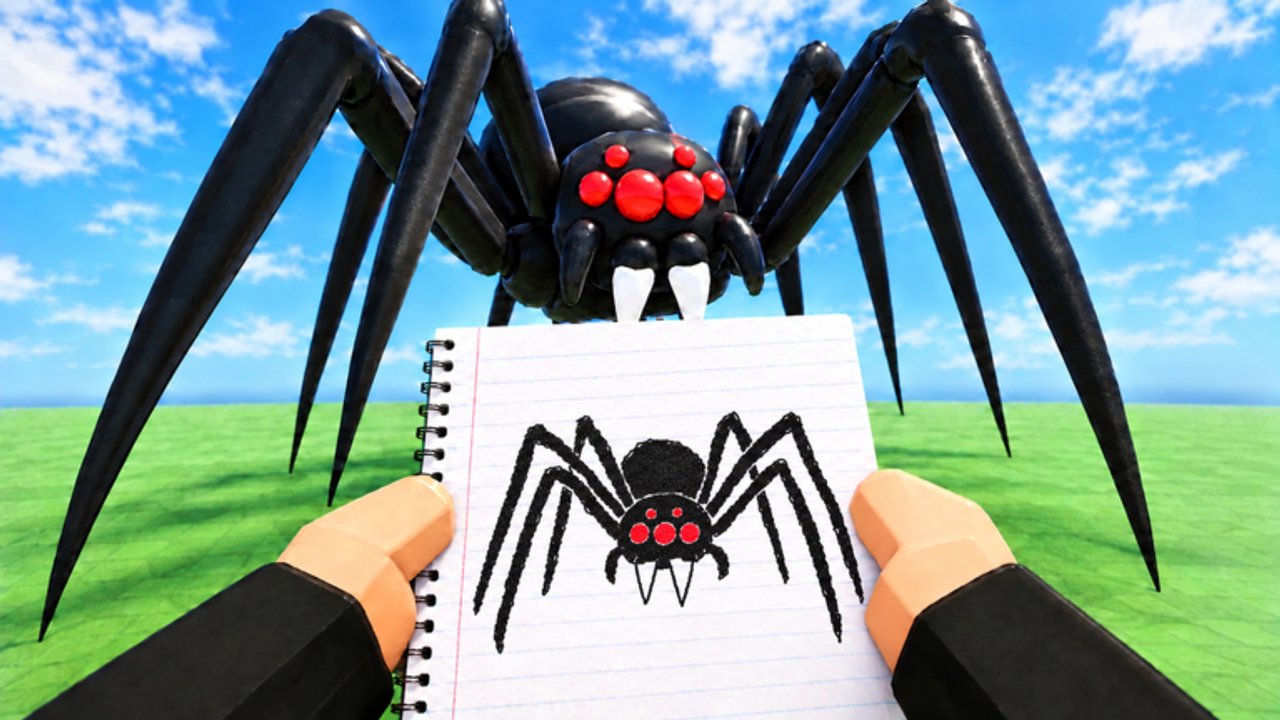
Welcome to the Monster Maker Tier List Hub. Unlike fighter rosters, this Roblox sandbox ranks parts, proportions, and design patterns—the pieces that decide whether your creature reads as iconic, awkward, or broken in animation tests.
Use this hub when you have coins or gems from codes and need a buy order, when a build looks fine in the editor but collapses in walk or slam cycles, or when you want horror energy without random spikes everywhere.
How we rank Monster Maker builds
Criteria stay practical:
- Animation clarity — Does the part type (arm vs leg vs tail) match how the limb should move in stand, walk, hit, slam, stomp, and tail whip?
- Silhouette — Can you recognize the monster at a distance in community browsers and game modes?
- Shop value — Does the unlock solve multiple designs, or is it a one-outfit gimmick?
- Mirroring sanity — Can beginners flip sides without fighting the tool?
- Scare or fame potential — Useful for showcase modes and viral recreations.
S-tier ideas stay flexible across body plans. C-tier and below may still be fun for memes; they just should not eat your first gem stash.
Sub-lists on this wiki
- Best Parts — heads, torsos, limbs, tails, eyes, and stickers worth unlocking early.
- Scary Designs — proportions, negative space, and color tricks that read as threatening without needing every DLC spike.
Cross-check both lists with How to Make Monsters and Famous Monsters so rankings turn into actual workshop steps.
Early economy priorities
After redeeming community codes or grinding coins:
- Unlock a neutral head with clear eye sockets—expression carries personality more than random horns.
- Grab a stable torso that accepts arms and legs without floating gaps.
- Buy limb packs that support both arm and leg typing so you can experiment.
- Add a tail option only after bipeds feel solid; tails punish wrong part types hard in whip tests.
- Spend on eyes and stickers once the skeleton walks cleanly.
Gems should stretch across reusable kits, not a single viral look you will rebuild next week. For redemption flow, see How to Redeem Codes.
Meta shifts after updates
Monster Maker pushed frequent changes in early November 2026, including newer game modes and community browsing polish. When modes reward performance or readability, bloated meshes lose value and clean limb hierarchies climb. Read November 2026 and the Updates Hub before you dump currency into a patch-week cosmetic.
Part-type confusion remains the number-one reason “S-tier shape” lists fail in practice. If a leg is saved as a tail, stomp and whip animations will lie to you. Fix typing before you chase tier labels.
How to use tiers without copying blindly
Tier lists are starting points. Your monster still needs:
- A readable outline in game modes
- Controls muscle memory from the controls guide
- Inspiration from Players showcases you rebuild with your own proportions
If two S-tier heads fight for the same slot, pick the one that matches your animation goals—brawler slam kits want mass up top; stalker builds want longer legs and quieter arms.
Related hubs
- Guides Hub — full how-to path from first launch
- Players Hub — creators and showcase tips
- Codes Hub — fuel for the shop
- Wiki — what this site covers and how to suggest changes
Revisit this hub after each major shop refresh. Rankings will shift when new part kits land; the evaluation rules above should stay stable.
Frequently Asked Questions
Quick answers for builders, codes, and game modes.
Is this a PvP character tier list?
No. Monster Maker rankings focus on parts, silhouettes, and shop value for creature design—not fighter win rates.
What should I unlock first with coins?
A clear head, stable torso, and flexible limb packs before niche cosmetics. Details live on the Best Parts page.
Why does my S-tier looking monster animate badly?
Part types are probably wrong—arms saved as tails or legs mismatched. Retype parts, then retest walk and slam.
Do tiers change after updates?
Yes. New modes and shop kits can reshuffle value. Check the Updates Hub after patches before big gem spends.
Where are scary build tips?
Open the Scary Designs tier page for proportions, contrast, and negative-space ideas that read as threatening.