Monster Maker Backrooms Escape & Chase
Design a creature, send it into the Backrooms-style chase, and survive when someone else’s nightmare is hunting you.
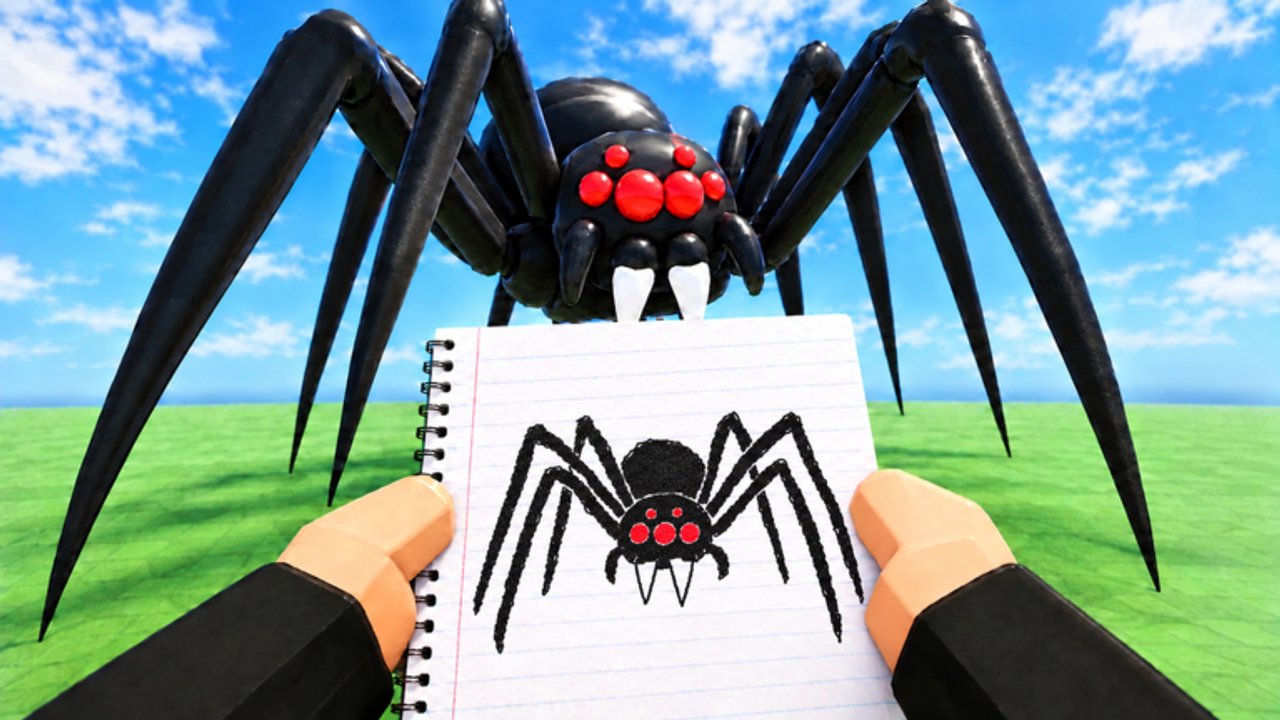
Monster Maker’s fantasy is simple on the Roblox page—create any creature and watch it come to life—but the moment that fantasy peaks for many players is the Backrooms-style chase: you finish a design, step through into yellow-hall energy, and either hunt as your creation or run from everyone else’s. This guide covers the full loop—design → test → chase / survive—with silhouette tips drawn from Scary Designs and Famous Monsters.
The embedded Tyler & Snowi video mid-page shows the crowd-pleasing version of that loop: build wild drawings, portal into the Backrooms space, then watch those drawings chase and attack. Use it for vibe and pacing; use the written checklist when you need repeatable craft.
What “Backrooms” means here
In Monster Maker, Backrooms is not a separate Roblox experience you must join from the website. It is the play / chase presentation many creators enter after workshop time: liminal corridors, pursuit pressure, and community monsters moving under live cameras. Exact mode labels can shift with patches (see Game Modes and November 2026). The jobs stay stable:
- Prove your monster still reads in motion
- Scare or amuse under worse lighting than the editor
- Survive when another player’s build is the threat
If you only ever pose in the workshop, you are skipping the test that made the game blow up in early November 2026 traffic.
Loop 1 — Design for chase readability
Chase cameras sit farther away than sticker zoom. Before you portal in:
- Build a clear silhouette—one dominant outline, not twenty competing spikes.
- Boost eye and mouth contrast so faces survive mid-distance shots.
- Set honest part types (arms / legs / tails) using How to Make Monsters.
- Mirror cleanly, then break symmetry only on purpose (Mirroring).
- Run the full animation battery: stand, walk, hit, slam, stomp, tail whip.
- Save
backrooms_ready_v1.
Spend shop currency on locomotion and eyes first—Shop and Currency and Best Parts—not on decals nobody will see while sprinting.
Silhouette patterns that work in halls
| Pattern | Why it reads in chase | Risk |
|---|---|---|
| Tall biped, dark body, bright eyes | Classic “entity in the corridor” | Boring if proportions are stubby |
| Wide shoulders, narrow legs | Threat shape at range | Clipping doorways if too wide |
| Long arm reach | Telegraphs grabs / hits | Wrong type → ribbon arms |
| Single offset horn or scar | Asymmetry feels uncanny | Accidental double-mirror |
| Minimal sticker noise | Outline stays clean | Over-decorating after fear of “too plain” |
Study restraint on the Famous Monsters page; copy structure, not stolen identity spam.
Loop 2 — Enter and play as your creation
- Confirm the save loaded (blank slots embarrass everyone).
- Enter the Backrooms / chase / play flow from the live client.
- Warm up with walk and one slam so you feel weight.
- Use attacks that match typed limbs—do not expect tail whip magic from arm meshes.
- Watch how other players react at first sight; if nobody “reads” you until close-up, your contrast failed.
Etiquette still applies from the Players hub: do not spawn-camp unfinished tests, and keep feedback specific.
Loop 3 — Survive when others’ monsters chase
When you are the prey:
- Keep moving through open sightlines; freezing makes silhouettes easy meals.
- Break line of sight at corners; liminal maps reward jukes more than straight sprints forever.
- Listen / watch telegraph animations—wide slams and lunges have recovery if you bait them.
- Do not corner yourself admiring a cool enemy mesh mid-chase.
- Rejoin if the instance is chaos (servers up to 24); a fresh server is a valid tactic, not a shame.
Survival skill does not require scripts. Unverified executors promised as “auto dodge” are account risks—read Scripts.
Scare craft without junk
Horror intent fails when:
- Spikes turn the outline into static
- Eyes match body color under yellow lighting
- Walk cycles skate because legs are mistyped
- Mirrors left one shoulder higher than the other
Fix those with Controls discipline and Scary Designs patterns before you buy another gem pack. Codes on the Codes Hub can fund eyes and limbs; they cannot fund taste.
Session plan (45 minutes)
- 15 min — Edit toward one scare pattern; no new stickers after minute ten.
- 5 min — Animation battery + save.
- 15 min — Backrooms chase as monster, then as survivor if the mode allows swaps.
- 10 min — Note one readability fail; fix only that; save
backrooms_ready_v2.
Repeat after any Updates drop—especially event teasers like the November 14 NEW UPDATE—because lighting and mode rules can shift chase value overnight.
Common Backrooms failures
| In chase you see… | Workshop cause | Fix |
|---|---|---|
| “Cool” monster invisible at range | Low contrast / noisy outline | Bigger eyes, fewer spikes |
| Arms flop while chasing | Typed as tails | Retype, remirror |
| You clip every doorway | Over-scaled shoulders | Shrink, retest walk |
| Funny instead of scary | Slapstick proportions | Commit to one horror pattern |
| Instant death every time | Standing still / bad jukes | Practice corners; bait recoveries |
Related reading
- Game Modes — broader mode prep
- Scary Designs — scare patterns
- Famous Monsters — readable recreations
- Getting Started — if your biped still cannot walk
Backrooms chase is Monster Maker’s truth serum: workshop flattery ends, and only typed limbs, honest silhouettes, and calm movement remain. Design like you will be hunted—because in the next lobby, you will be.
Frequently Asked Questions
Quick answers for builders, codes, and game modes.
Is the Backrooms a separate Monster Maker game?
No. It refers to the in-experience chase / play presentation after you design a monster. Mode names can change with patches—check the live client and Game Modes guide.
How do I make a monster that looks scary in the Backrooms?
Prioritize a clean silhouette, high-contrast eyes and mouth, correct part types, and a full animation test before adding sticker noise.
Any tips for surviving other players’ monsters?
Keep moving, break line of sight at corners, bait attack recoveries, and hop servers if a 24-player instance is pure chaos.
Should I spend gems on spikes for chase mode?
Usually no. Spend on flexible limbs and readable eyes first. Extra spikes often hurt outline clarity at chase distance.
Why is there a Tyler & Snowi video on this page?
It shows the create-then-Backrooms-chase fantasy with drawings coming to life. One real mid-article embed—use it for pacing, then follow the written checklist to build.